- Open Recruiting, then Assigned.
- The list shows only the recruits assigned to you.
- Open a recruit to see and update their details.
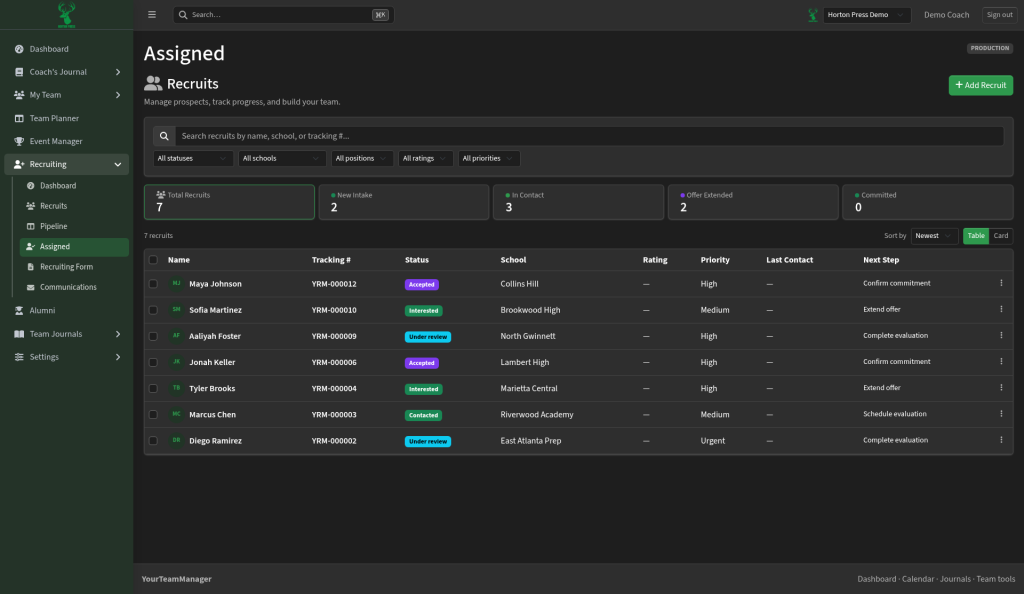

Open Assigned to view the recruits that are assigned to you.
Last checked October 10, 2026
Learn more and see other program tools and resources at www.hortonpress.com.