- In the athlete's journal, select Daily entries.
- On the entry, select View / print. It opens marked Daily entry with the date.
- Select Print.
- Select Back to athlete when you're done.
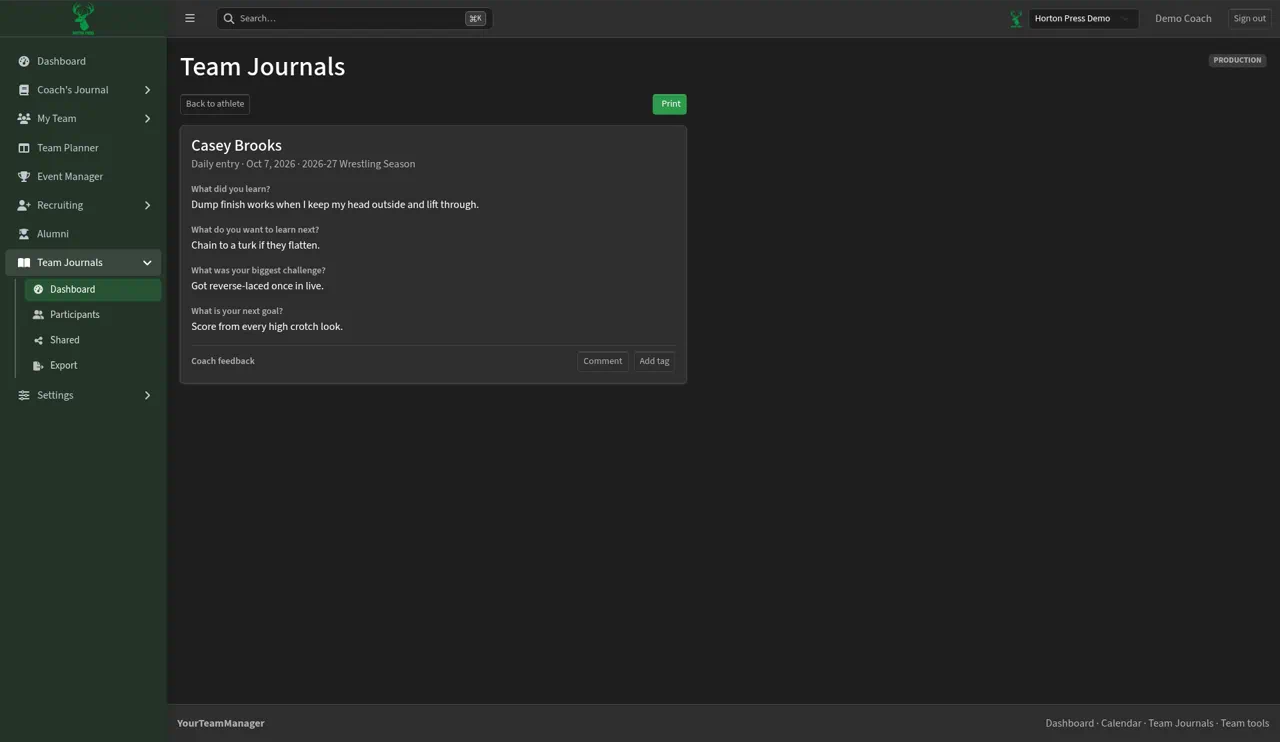

Open one daily entry on its own page and print it.
Last checked October 10, 2026
Learn more and see other program tools and resources at www.hortonpress.com.