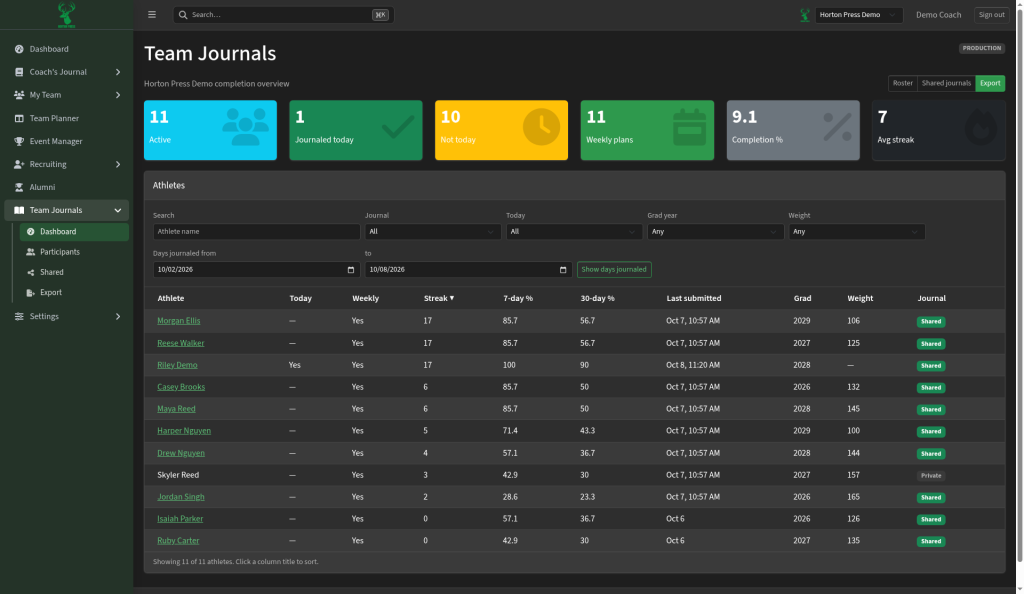
Search
- In the Athletes list, type a name in Search.
- Select Clear to start over. It resets every filter.
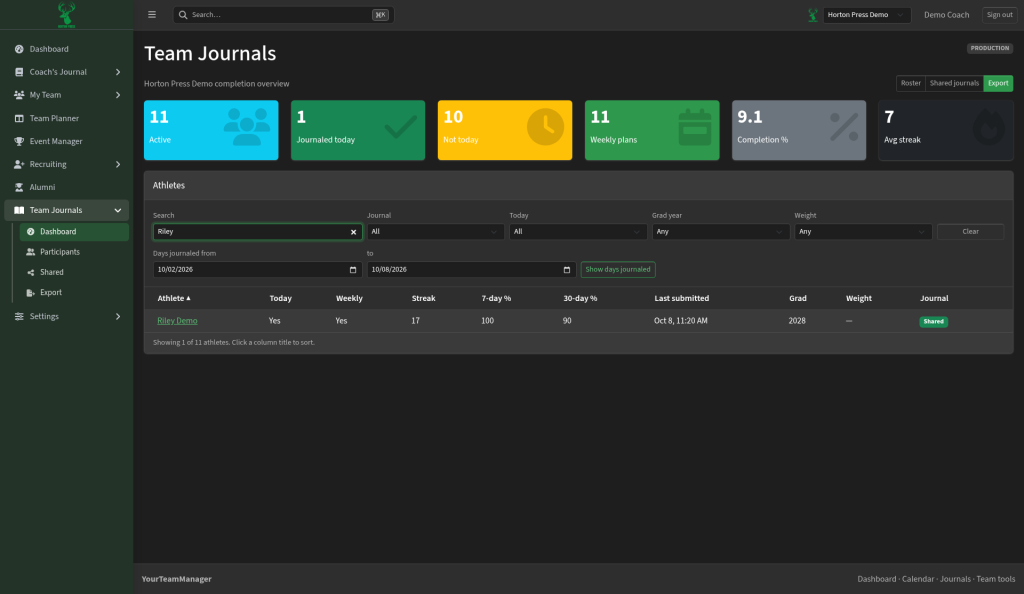
Filter
- Pick from the filters above the list:
- Journal: All, Shared or Private
- Today: All, Journaled today or Not yet today
- Grad year and Weight
- To check a stretch of days, pick Days journaled from and to, then select Show days journaled. A new column shows, for example, "6 / 8" days. Select Hide to remove it.
- The bottom of the list says how many match, for example "Showing 10 of 11 athletes."
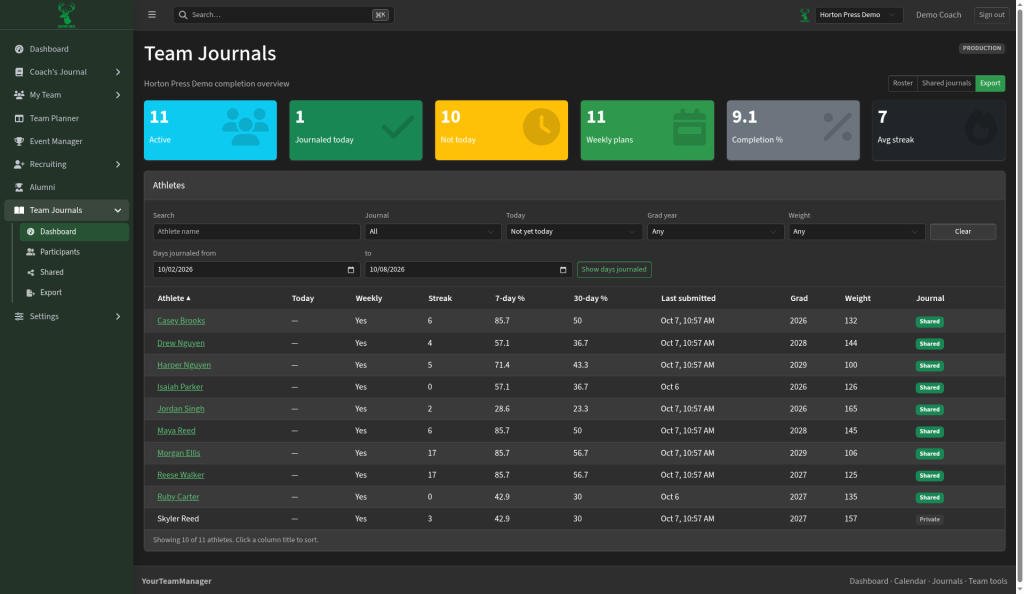
Sort
Click a column title, such as Streak, 7-day % or Last submitted. A small arrow shows the order.