
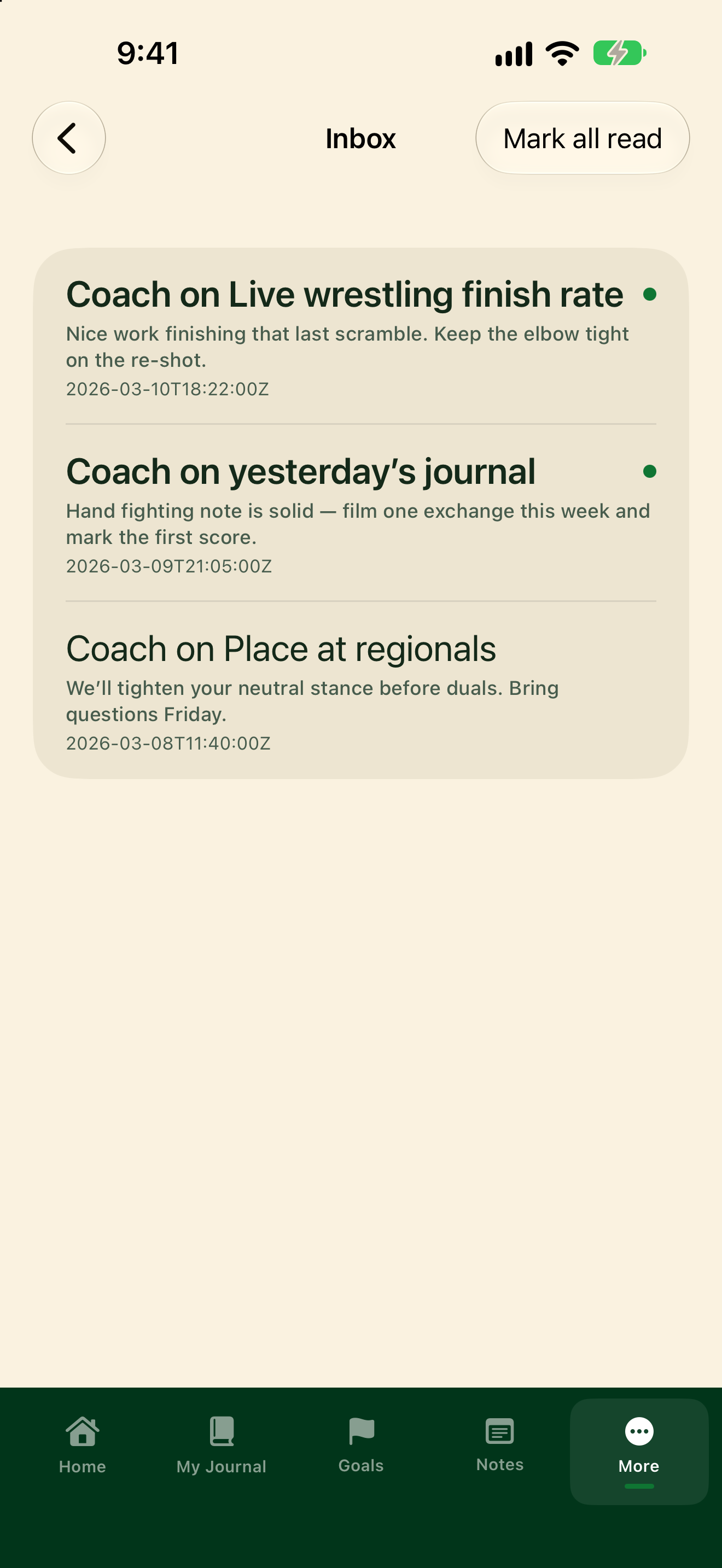
When your coach comments on a goal or a journal entry, it shows up in your Inbox.
Open Inbox
- Tap More, then Inbox.
- Or on Home, tap the banner that says something like "1 new coach comment" (Tap to open Inbox).
- Tap a comment to open the goal or journal entry it's about.
- Tap Mark all read to clear the new-comment count.
Unread comments show a green dot. If the list is empty, Inbox says No coach comments yet.