
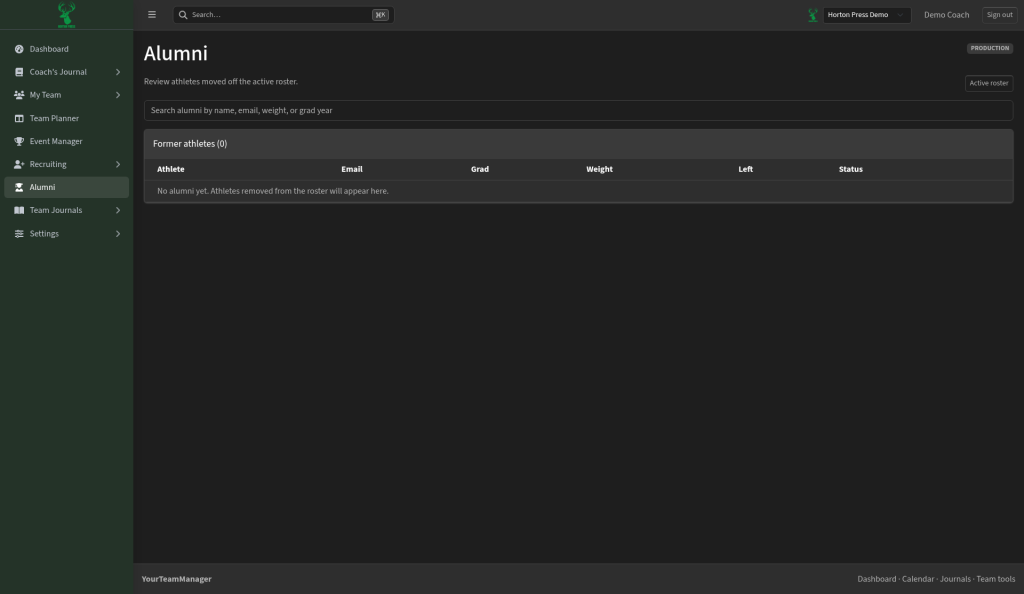
Alumni is your list of former athletes. Their history stays on file.
Alumni management is available on Gold program licenses (Coming soon).
Move an athlete to Alumni
- On Roster, open the athlete's profile.
- Select Move to alumni.
- Confirm: "Remove this athlete from the active roster? They will move to Alumni."
Find former athletes
- In the side menu, select Alumni.
- Search by name, email, weight or graduation year.
- The table shows name, email, grad year, weight, date left and status.
Select Active roster to go back to your roster.