
Use Weekly review on a goal to check how it went this week and what you'll do next. This is separate from Plan this week.
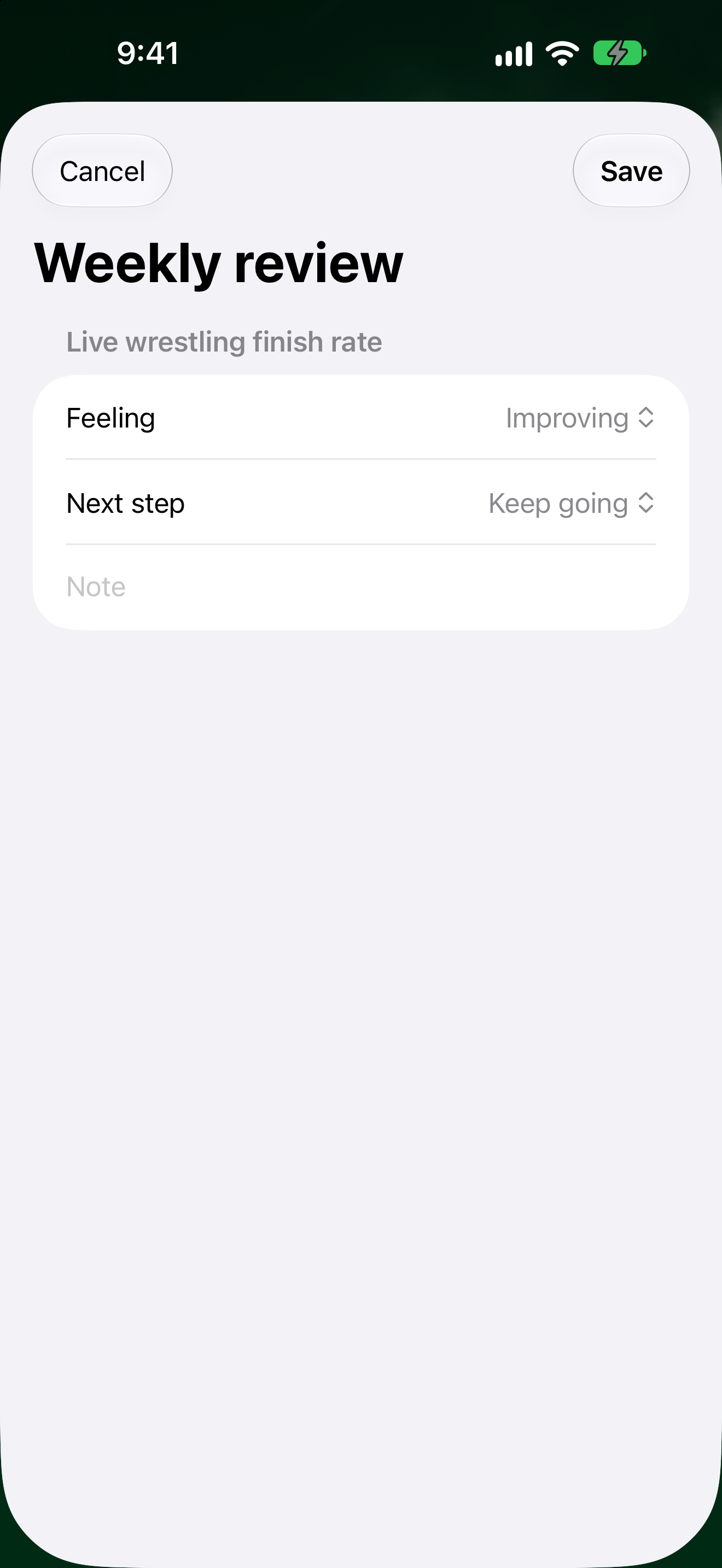
Review a goal
- Tap Goals.
- Open the goal you want to review.
- Tap the ••• menu, then Weekly review.
- Fill in:
- Feeling (pick how the goal feels right now)
- Next step (pick what you'll do next)
- Note (optional)
- Tap Save. Tap Cancel if you change your mind.
To plan focus goals and actions for the week, see Make your weekly plan.