
Open an entry
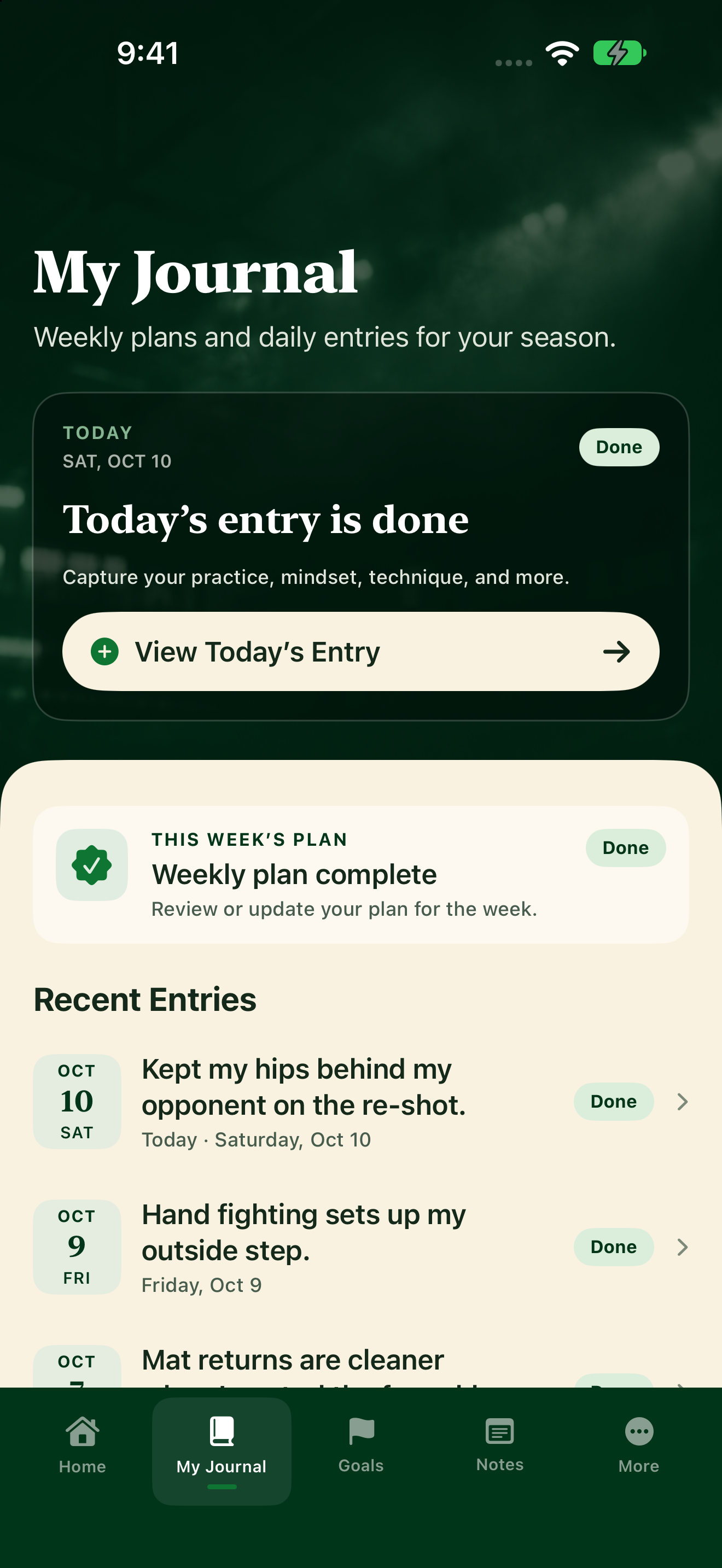
- Tap My Journal.
- Scroll to Recent Entries. Finished daily entries show Done, weekly plans show Plan, and anything you saved but didn't submit shows Draft.
- Tap an entry to open it. You'll see your answers and any coach comments.
- Tap Close when you're done.
You can also open recent entries from Home under Recent Entries, or tap View All to jump to My Journal.