
Use this when the Verify email screen's 6-digit code doesn't arrive or doesn't work.
No email?
- Check your spam or junk folder first.
- On Verify email, wait for the button under Verify to change from Resend code in 2:00 (it counts down) to Resend code, then tap it.
- The app says Code sent. Check your email. You can ask for a new code every 2 minutes.
Only the newest code works
When you ask for a new code, older ones stop working. Use the code from the most recent email.
Codes expire in 30 minutes
If yours is older than that, tap Resend code to get a new one.
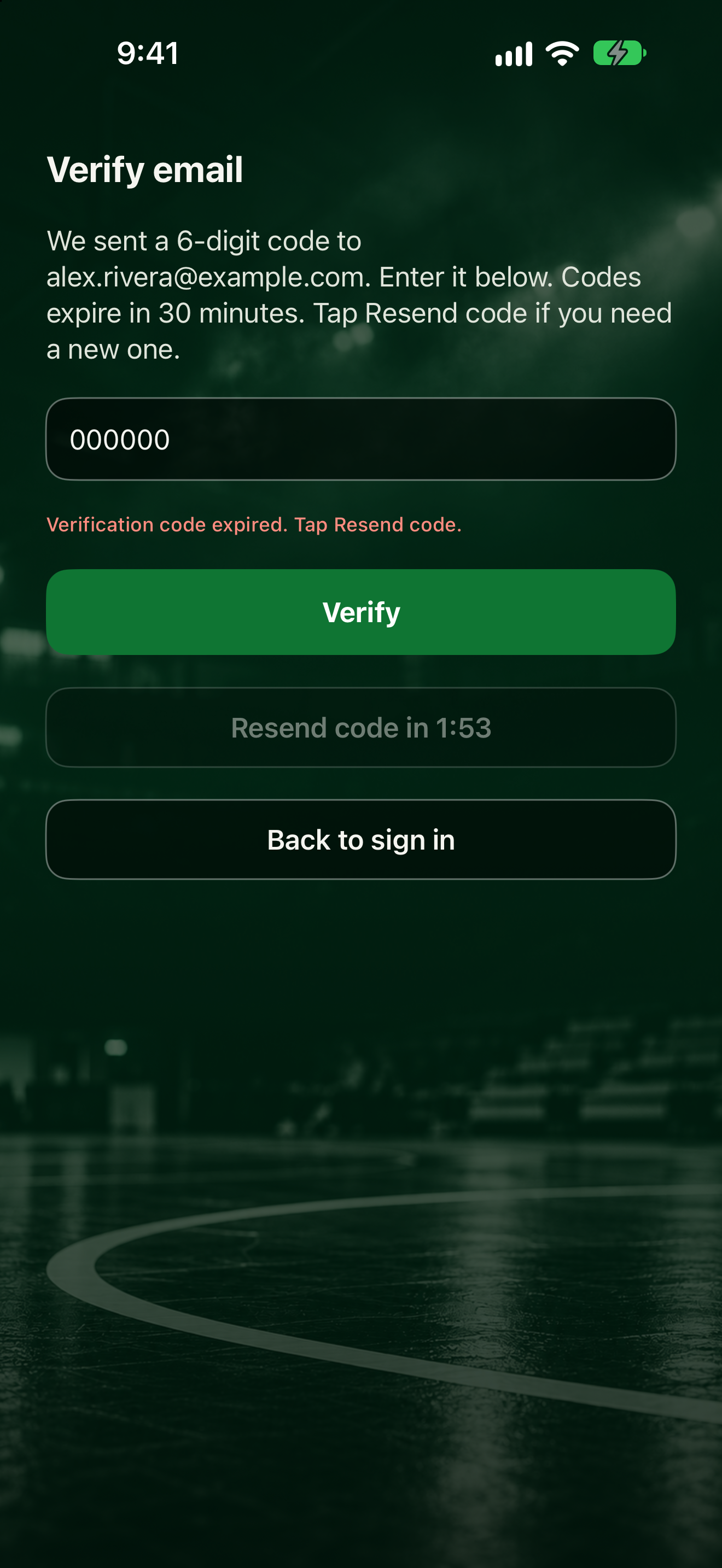
The app may say: "Verification code expired. Tap Resend code."
The code is rejected?
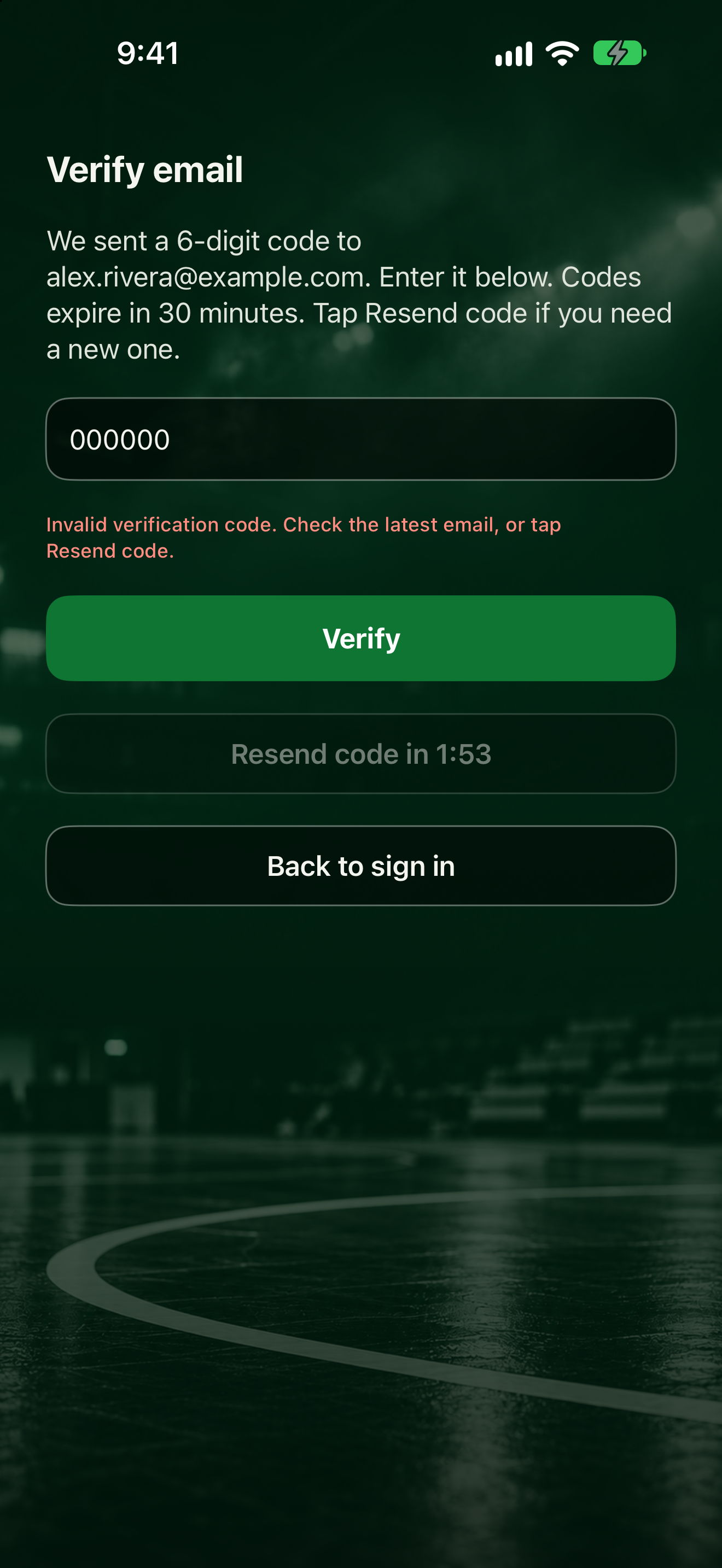
The app may say: "Invalid verification code. Check the latest email, or tap Resend code."
Check the numbers and try again, or use the code from your newest email. Need to leave? Tap Back to sign in. A team invite code you entered is kept for after you sign in and verify.
Creating the account: Download and create your account. Confirming: Confirm your email.