
Practice Planner
Practice Planner is where you build practice plans section by section — warm-up, teaching, live, conditioning, and whatever else your room uses.
A plan is the written practice. A calendar practice is the scheduled time slot. Open a practice that still needs a plan from the Dashboard or Calendar, or start a new plan here.
How to open it
In the side menu, open Coach's Journal, then select Practice Planner.
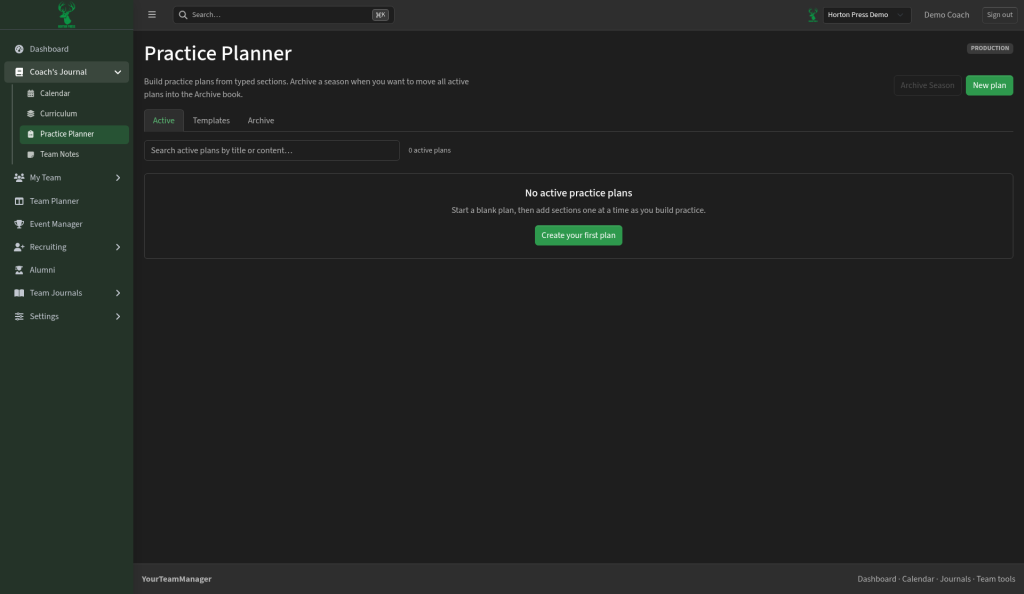
Tabs
- Active — plans you are using now
- Templates — reusable plans you copy from
- Archive — older plans you have put away
Start a new plan
- Select New plan (or Create your first plan if the list is empty).
- Give the plan a title.
- Add sections one at a time as you build the practice.
- Save.
You can search active plans by title or content when the list grows.
Archive a season
When a season ends and you want active plans moved out of the way, use Archive Season. That moves active plans into the Archive book so the Active tab stays clean for the next block of work.